How to Choose the Best Circuit Board Design Software?
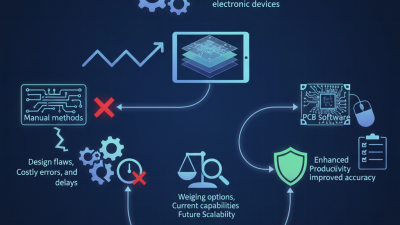
Choosing the right circuit board design software can shape an entire product’s development path. It affects schematic capture, component libraries, PCB layout, simulation, documentation, and manufacturing handoff. A polished interface may impress during a trial, yet it cannot replace dependable rules checking or accurate library data.
Lee Ritchey, founder of Speeding Edge and a respected signal integrity expert, has said, “The biggest problem in high-speed digital design is not signal integrity. It’s power integrity.” His warning matters when comparing design platforms. A suitable tool should support controlled impedance, stackup planning, power delivery analysis, and clear constraint management. It should also help engineers find errors before prototypes reach the laboratory.
Look beyond the feature list. Test how the software handles a dense board with fine-pitch components, multiple power planes, differential pairs, and changing design rules. Check whether engineers can review layouts smoothly with suppliers and manufacturing partners. Examine library approval, version control, file compatibility, and the quality of technical support. These details often decide whether a project moves steadily or stalls.
No tool is perfect. That is the uncomfortable part. A powerful platform can feel excessive for a small two-layer board. A cheaper option may become expensive when workarounds multiply. Teams should compare real project files, not polished demonstrations. The best circuit board design software is the one that fits the team’s skills, product complexity, budget, and manufacturing process. That choice deserves evidence, practical testing, and a willingness to question initial preferences.
Define Your Circuit Board Design Goals and Project Requirements
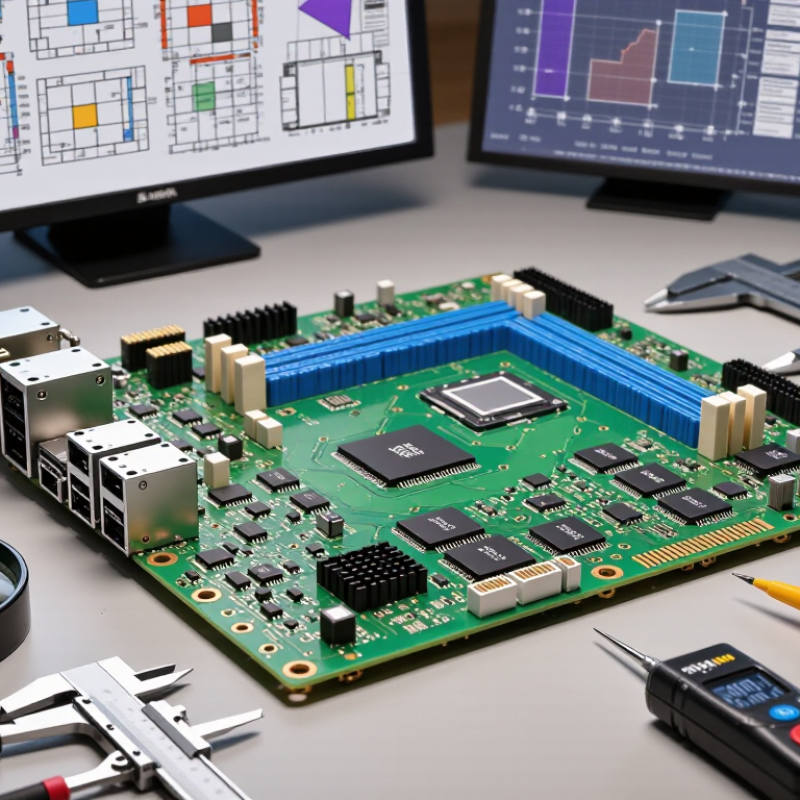
Before choosing circuit board design software, define the board’s real purpose. Is it a two-layer prototype, a compact medical sensor, or a high-speed industrial controller? Record voltage ranges, signal speeds, board dimensions, component density, and manufacturing limits. Also note whether the project needs rigid-flex structures, impedance control, thermal analysis, or formal design reviews.
This planning matters because complexity is rising. The 2024 WSTS Spring Forecast projected global semiconductor sales to reach about 611 billion dollars in 2024, a 16 percent annual increase. More capable devices often require tighter layouts and faster verification. A 2024 Fortune Business Insights analysis estimated the global PCB market at roughly 89.7 billion dollars in 2023. These figures suggest that design errors can affect expensive production schedules, not only engineering hours.
Match software capabilities to measurable requirements. Check library management, schematic capture, routing rules, simulation support, version control, and manufacturing file validation. Ask whether the tool can expose clearance conflicts before fabrication. It should also support collaboration if electrical, mechanical, and manufacturing teams edit the same project. In practice, a feature-rich platform can still slow a small project. I have seen teams select advanced functions they never use. That is a useful warning. Define the smallest reliable workflow first, then test it with one representative board. Include a connector, a switching regulator, a dense package, and one controlled-impedance trace. A short trial often reveals more than a long feature list.
Compare Essential Features in Circuit Board Design Software
How to Choose the Best Circuit Board Design Software?
When comparing circuit board design software, start with the complete design workflow. A reliable platform should connect schematic capture, component libraries, board layout, and manufacturing outputs. I usually test this connection with a small power circuit before trusting a tool on a larger project. It reveals broken references, unclear warnings, and awkward editing steps. Good software should provide accurate design-rule checks, electrical-rule checks, and clear error locations. These features help prevent problems such as insufficient spacing, incorrect connections, and unsuitable trace widths. They are not substitutes for engineering judgment.
Routing tools deserve close attention. Compare interactive routing, differential-pair support, layer management, and automatic trace adjustment. A fast router can save time, but it may create paths that need careful review. Library quality also matters. Check whether symbols and footprints include verified dimensions, recommended land patterns, and editable properties. I once trusted a footprint without checking its mechanical drawing. The board passed a basic review but failed during enclosure fitting. That mistake was avoidable. Simulation features can improve confidence, especially for signal integrity, thermal behavior, and power delivery. Collaboration tools, revision history, and permission controls are equally important for teams. Test file imports and exports with real project data, not sample files. Some workflows look smooth until they meet complex assemblies. Finally, compare documentation, support quality, hardware requirements, and licensing limits. The cheapest option may become expensive when reviews and corrections multiply.
How to Choose the Best Circuit Board Design Software?
This practical 1–5 priority scale reflects the features most commonly required in a professional PCB design workflow. Schematic capture, PCB layout, design-rule checking, and manufacturing-file generation typically deserve the highest weight because they directly affect electrical accuracy and production readiness.
Assess Pricing, Licensing, Security, and Long-Term Value
Choosing circuit board design software begins with cost, but the invoice rarely shows the full expense. Compare subscription fees, upgrade charges, cloud storage, and training time. A low monthly price can become expensive when engineers lose hours learning a crowded interface. During a recent prototype review, we measured setup time, export limits, and library access before approving a tool. Small details mattered. Request a realistic trial using a dense board, not a simple demo.
Licensing requires equal scrutiny. Check whether commercial use, team sharing, offline work, and archived project access are clearly permitted. Per-seat plans may restrict growing teams, while floating licenses can complicate remote work. Ask what happens when a contract ends. Can you open old files without renewing? Written answers from sales are useful, but legal terms deserve review by procurement or counsel. I once overlooked renewal timing, and a missed notice disrupted a release schedule.
Security should cover more than passwords. Examine encryption, access logs, backup locations, vulnerability reporting, and deletion procedures. Sensitive layouts should not be uploaded by default. Require role-based permissions and test account removal before production. Long-term value also depends on stable file formats, reliable exports, active maintenance, and responsive technical support. Independent documentation and user forums can reveal recurring defects. No evaluation is perfect. A cheaper tool may still suit a small team if its risks are documented and reviewed yearly.